Ogbuoji Management System
Problem
Before this system, Ogbuoji Farms ran on paper records: sales written in a book, stock counted by hand, spoilage noted (or not) after the fact. That created three concrete failure modes, not just "inefficiency": Misplacement. A paper ledger has one physical copy. Lose the book, lose the day's sales. There's no way to reconcile "how much rice do we actually have" against "how much rice did we sell" without walking to the store and counting. Error-proneness. Hand-totaled sales and hand-tracked debt drift from reality — a customer's real outstanding balance was whatever the last person to update the book remembered to write down. Nothing forced consistency between a sale, the stock it drew from, and the money it should have generated. No usable signal. Even where records existed, they weren't structured data — nobody could ask "which crop is actually profitable per hectare" or "what does spoilage cost us this month" without manually re-tallying paper. Farm-level agronomic data (what was planted, what it cost in labour, what it yielded) wasn't captured at all — it lived in someone's memory. The brief was to digitize this without assuming reliable internet at the farm — a constraint that ended up shaping most of the interesting engineering decisions below.
Approach
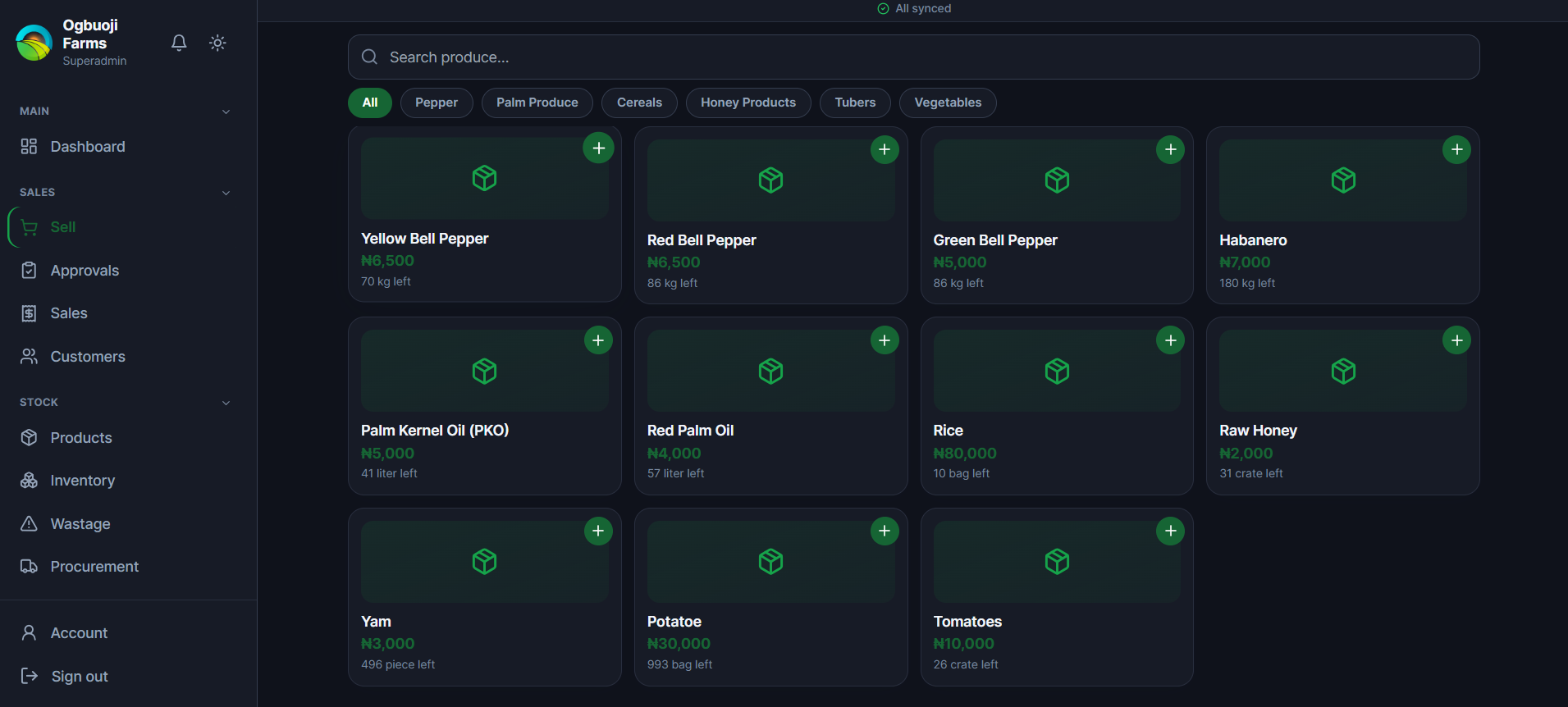
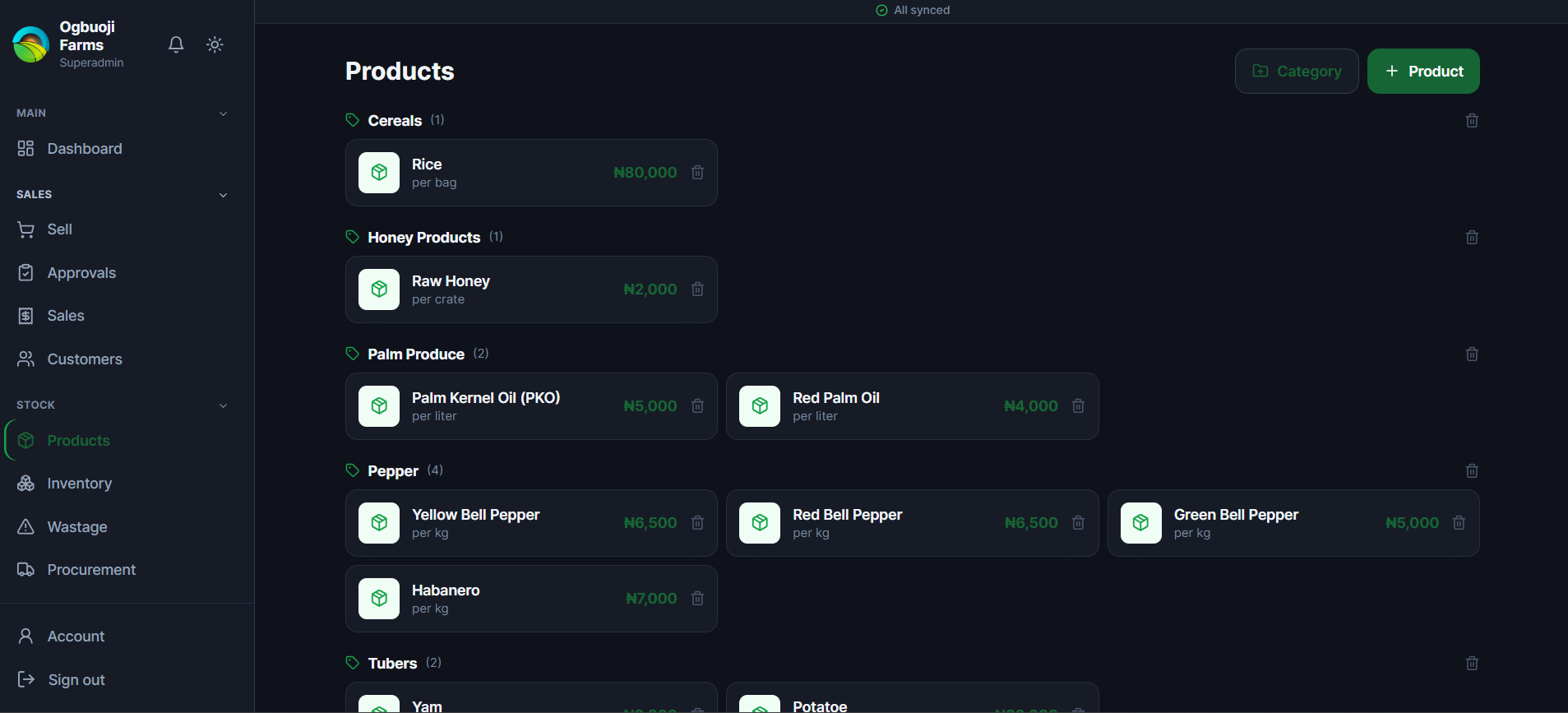
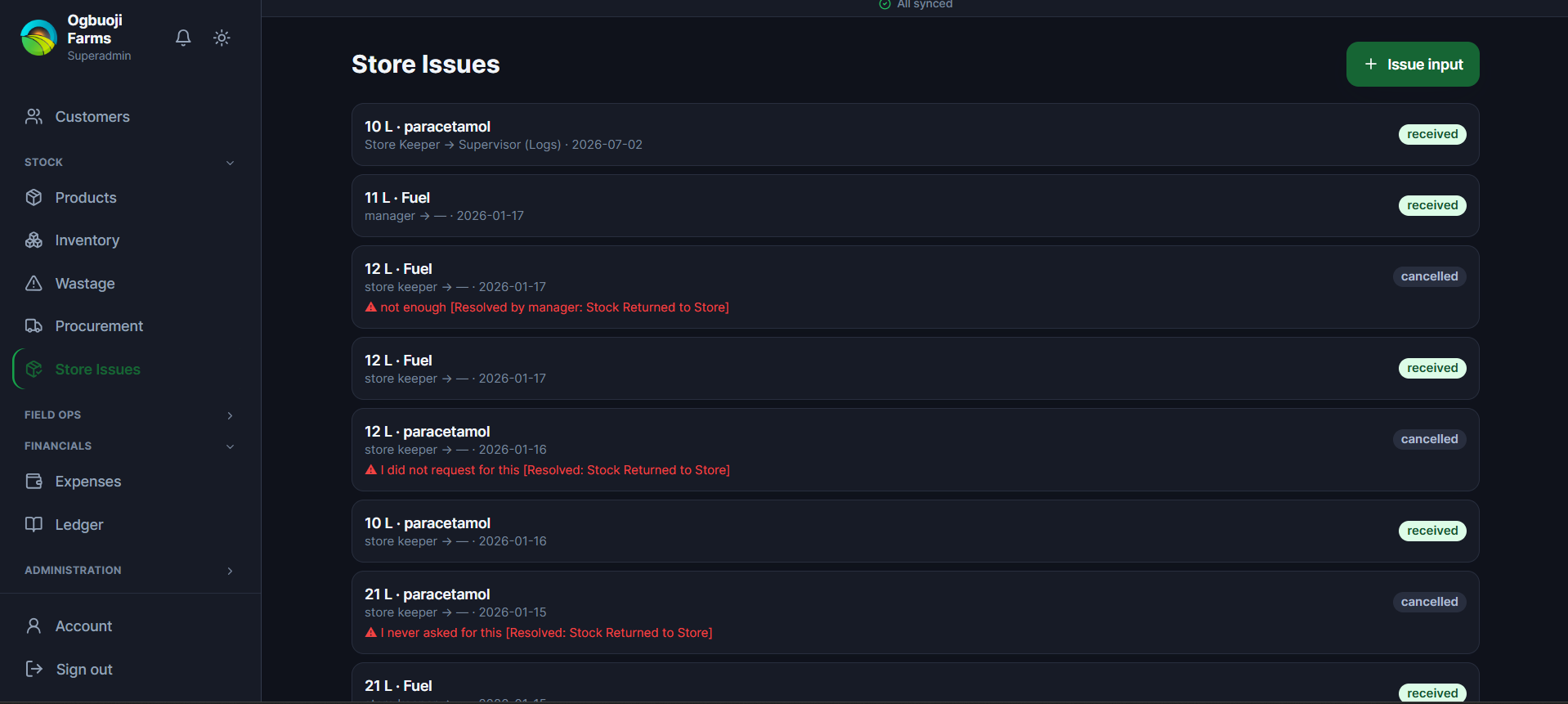
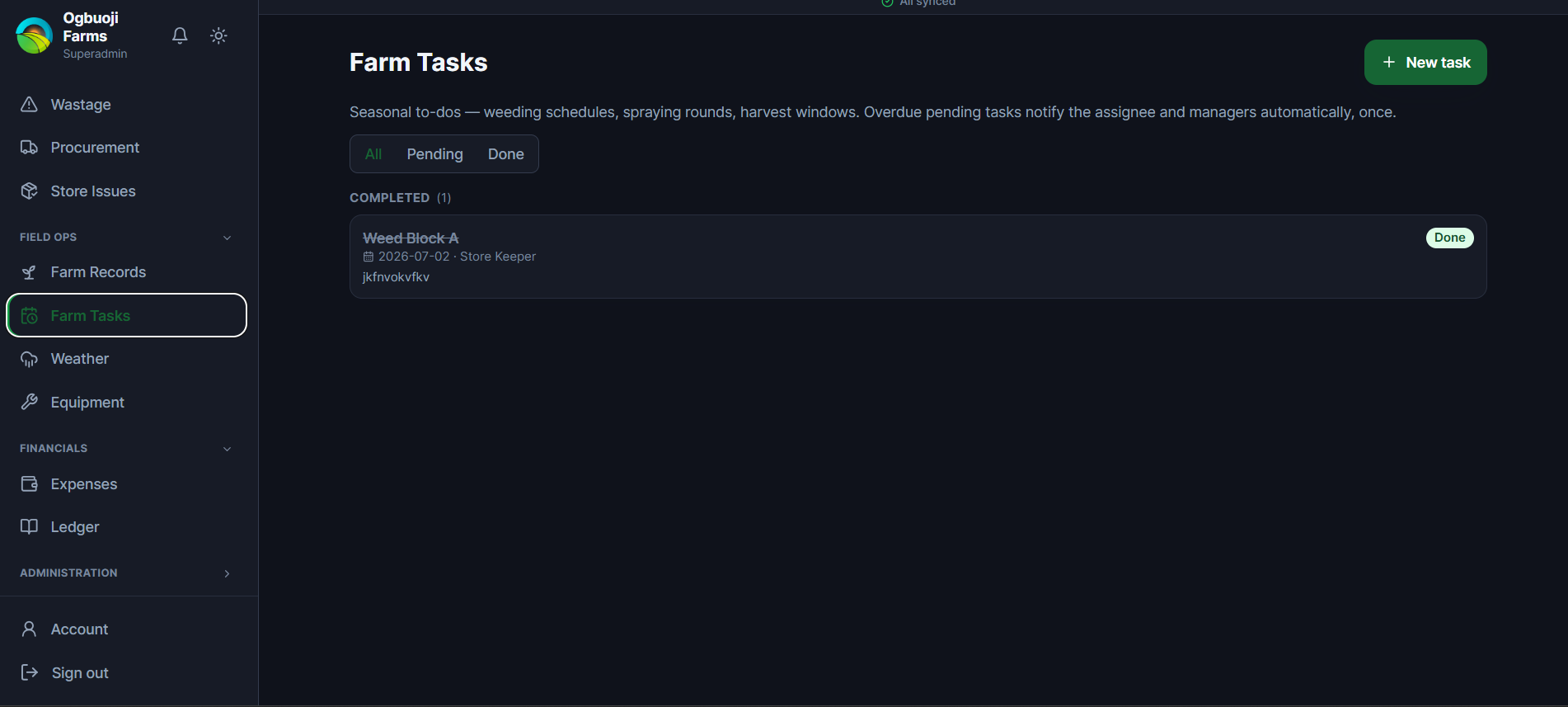
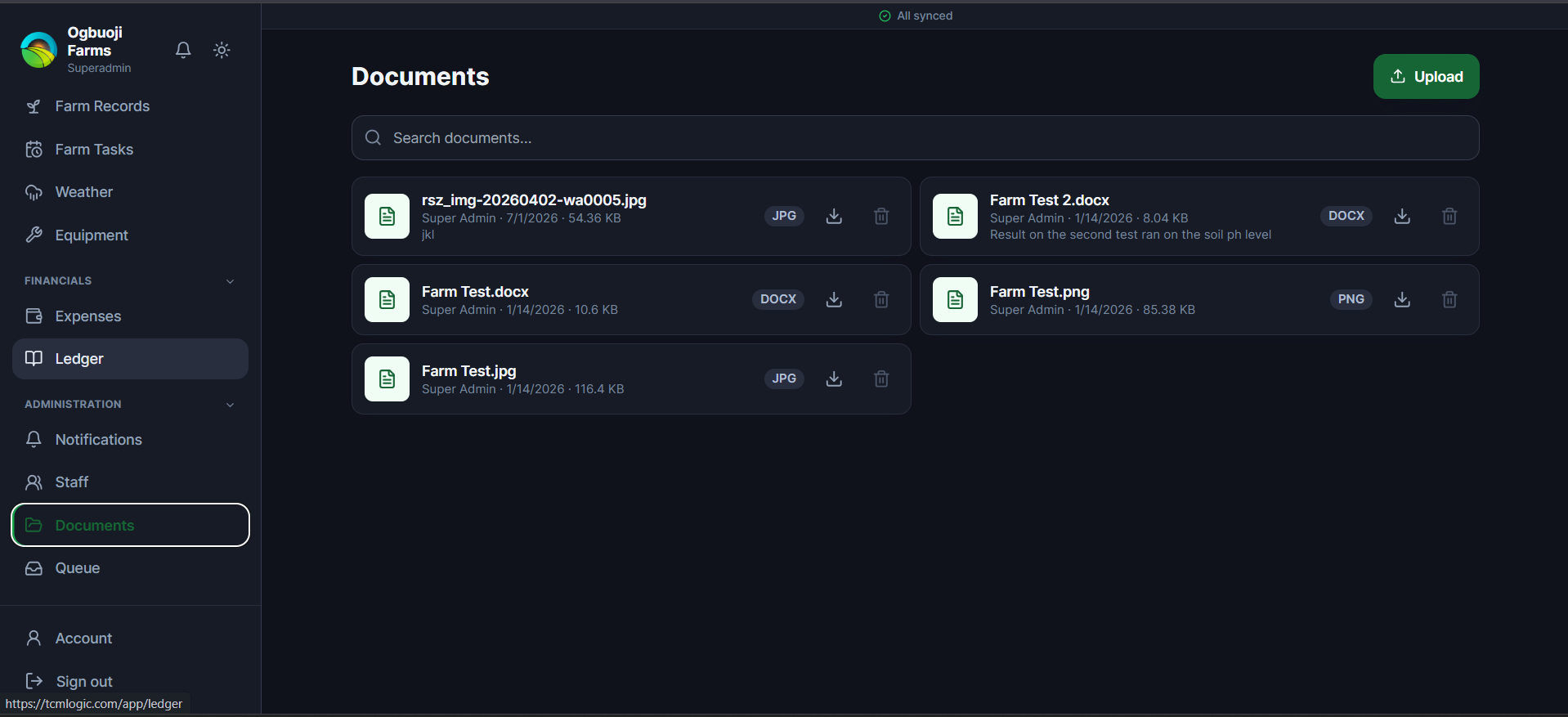
The offline sync engine (the core of the system) The one place offline support was non-negotiable was the till (POS) — a sales rep can't tell a customer "come back when the wifi's up." Everything else could degrade to "needs a connection," but selling could not. The design principle: the client's IndexedDB outbox holds requests, not facts. A sale rung up offline is captured locally with a client-generated UUID and immediately marked queued — the UI shows it as complete to the cashier, because from their perspective it is. On reconnect, the client POSTs its whole outbox to /sync/push, and a SyncService on the server replays each operation against live, current state: it re-checks stock levels under a row lock, re-validates the customer's wallet/credit standing, and only then mints the real invoice number. The client never invents an invoice number or assumes success — if two people offline both tried to sell the last of a batch, the server accepts one and rejects the other with a machine-readable reason (oversell), and the rejected sale surfaces in a dedicated Queue screen for the cashier to resolve, rather than silently vanishing or double-selling stock. The client_uuid isn't just a nice-to-have — it's what makes retries safe. Every sync-able write across the app checks for an existing record with that UUID before creating anything, so a flaky connection that causes the client to resend the same queued item twice never produces a duplicate sale, wastage log, or restock request. Midway through building this, I generalized the pattern past just sales: wastage logging, farm-activity logging, weather entries, and restock requests all go through the same outbox → SyncService::push() dispatch (a match on operation type), each with its own idempotency check and its own server-side re-validation rule — for a farm activity, that means re-checking a Consultant's crop-scope at sync time, not just at capture time, since their assignment could theoretically change in between. I deliberately did not extend this to money-movement actions (approving a sale, funding a wallet, releasing expense funds) or admin actions (staff changes, deletes) — those need to see current state immediately before acting, and queuing them risks two people both approving the same thing offline before either sees the other's action. That's a real constraint I surfaced to the client directly rather than silently deciding for them. Role-based access, plus a second orthogonal scoping layer Ten roles (superadmin, admin, manager, accountant, sales, store_keeper, procurement, consultant, superconsultant, logs) are enforced through a hand-rolled role:a|b|c route-middleware, not a permissions package — deliberately simple, since the actual authorization logic here is "which of ten fixed roles can hit this endpoint," not a dynamic permission graph that would justify Spatie's overhead. On top of that sits a second, independent restriction: crop-scoping. A plain Consultant is tied to specific crop(s) via a consultant_products pivot table, and User::scopedProductIds() returns either null (unrestricted) or an explicit product-ID array. Every inventory, wastage, and farm-records query filters through this, and — the part that actually matters — every write does too: a Consultant attempting to log a field activity against a plot growing a crop outside their assignment gets a 403, checked server-side, not just hidden from their menu. I verified this holds through both the normal HTTP path and the offline-sync path, since it would have been easy to enforce it in the controller and forget it in SyncService. Farm-level accounting, distinct from commercial inventory The trickiest data-modeling decision was separating agronomic records from commercial stock. A farm_plots table (with ownership/lease terms, and an optional GPS pin) and a field_activities table (planting/weeding/harvest, with seeds used, labour cost, material cost) capture what happens on the land. A batches table captures what's sellable in the store. These are deliberately not the same table, because they answer different questions — "what did it cost to weed Block A" versus "how much rice do we have left" — and forcing them into one schema would have made both questions harder to answer. The two are linked by one optional, deliberate seam: a harvest-type field_activity can carry a nullable batch_id pointing at the actual stock batch it produced. That single foreign key is what makes cost-per-hectare and profit-per-plot calculable (FarmRecordController::plots() sums labour+material cost against the linked batch's real sale revenue) — and it's also what powers the QR traceability chain: a batch is only publicly traceable once it has that link. QR traceability Every batch can carry a scannable, public, unauthenticated QR code showing its full field history — plot, ownership, and a chronological activity timeline — deliberately excluding cost and financial figures, since this page is meant to be scanned by a customer or buyer standing in front of the produce, not an internal user. I chose bacon/bacon-qr-code, a pure-PHP SVG renderer, specifically because the shared-hosting target's GD/Imagick availability was uncertain — a dependency choice driven by the deployment constraint, not preference. Money-sensitive printable documents (invoices, statements) use Laravel's signed URLs instead — short-lived, tamper-evident, but still not requiring a full authenticated session so they can be opened in a fresh tab for printing. The distinction between "public and permanent" (trace pages) versus "signed and temporary" (financial documents) is a direct reflection of which data is safe to expose broadly and which isn't. Money-safety mechanics Every stock- or wallet-mutating operation runs inside a database transaction with lockForUpdate() on the row being changed — the wastage-logging path, the sale checkout path, and the restock-receive path all follow this shape. This is what actually prevents two concurrent sales from both reading "5 units left," both deciding they're valid, and both committing — a bug class that's easy to introduce with a naive check-then-write and only shows up under real concurrent load, which is exactly when you can't afford it. Procurement and expenses each run as an explicit state machine — pending → approved → funded → purchased/completed, with a different role authorized to perform each transition, checked via per-route middleware rather than in application logic. That was a deliberate choice to make the authorization rule visible in the routes file rather than buried in a controller conditional. What I chose not to build, and why No queue/job system. I audited every Notification class during this engagement and found two that imported ShouldQueue but never actually implemented it — meaning every notification in the app already sends synchronously. Given the shared-hosting target can't run a persistent queue:work process, that's the correct behavior, not a bug to "fix" by wiring up queues nobody could run. No WebSockets. Real-time-feeling updates (the notification bell, sync status) use short polling and explicit refresh-on-action instead of a socket server the hosting target can't hold open. Two coexisting frontends, not a full rip-and-replace. The legacy Blade admin panel still runs against the same database while the PWA took over the operational, day-to-day workflows. That's a real tradeoff — it means two places to eventually retire — made deliberately to avoid a big-bang cutover on a live business. Bugs found and fixed as part of building this Two are worth naming because they're the kind of thing that only surfaces once a system runs for real, not in a demo: A stuck-sync bug. The offline outbox marks an item syncing before sending it to the server; if the network dropped mid-request, that item was left orphaned at syncing forever, because the retry query only looked for queued/failed — invisible to every future sync attempt, no matter how many times "Sync now" was pressed. Root-caused from a user report of a sale that wouldn't sync, fixed by including syncing in the retry query and reverting to failed on a request-level exception. Schema drift between dev and a fresh deploy. Two live columns (users.is_super_consultant, expenses.status) existed in the working database but had never been captured as migration files — invisible until an actual fresh production deploy tried to run migrations and hit Column not found. Fixed by writing the missing migrations and treating "does a fresh migrate:fresh actually reproduce the schema" as a real verification step going forward, not an assumption.
Result
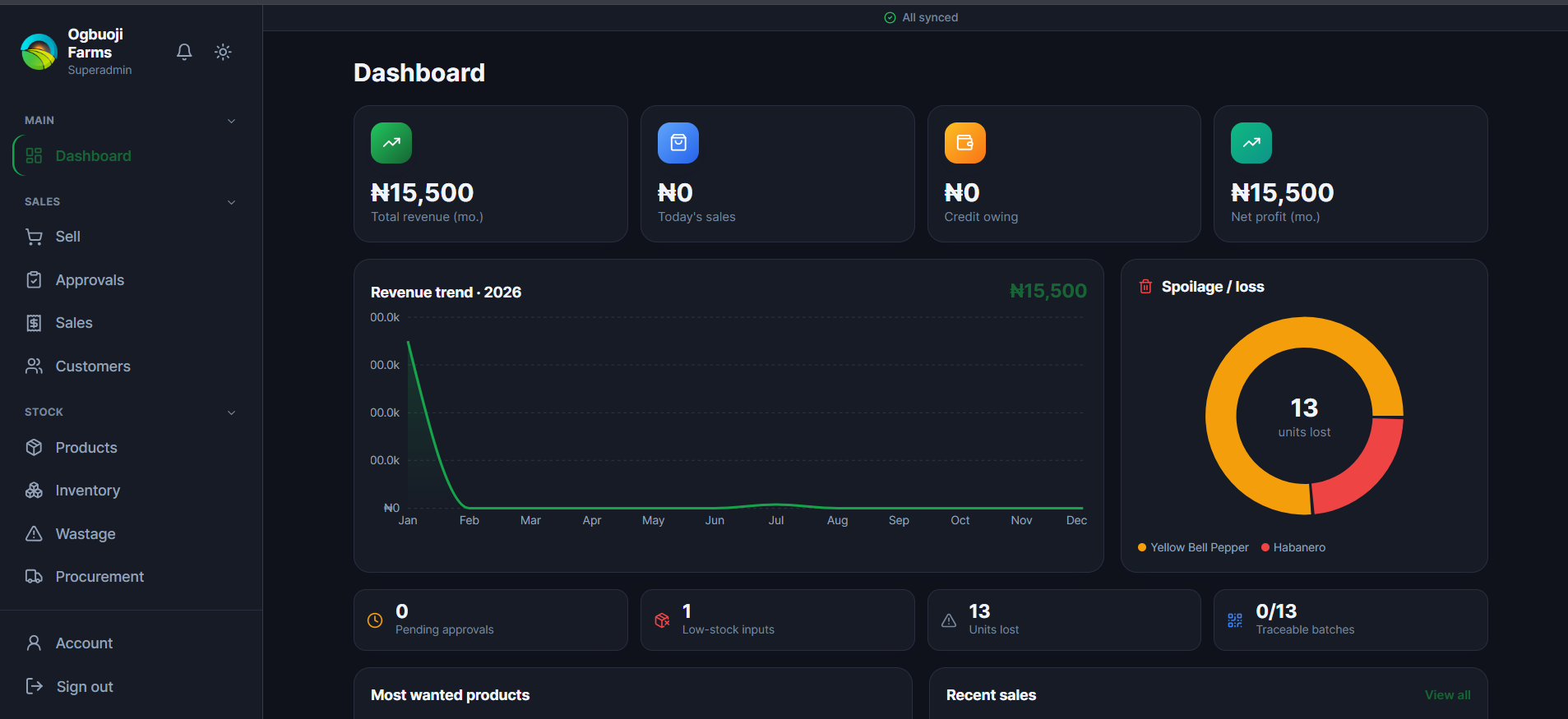
Sales, stock, and debt now update from a single action instead of three disconnected paper trails — ringing up a sale automatically deducts the exact batch it came from and updates the customer's balance, so "how much do we have" and "who owes what" are always answerable from the system rather than reconstructed from memory or a notebook. Farm-level data that previously existed nowhere — cost per hectare, labour spend per plot, spoilage by product and by recorder — is now captured as a byproduct of normal use and surfaced automatically, rather than requiring a separate manual tally. That's the "actionable insight" shift: the same logging work that used to just be a record now produces a number someone can act on (which crop is actually profitable, where spoilage is concentrated, which batches are traceable). And because the money-critical path works with zero connectivity and reconciles safely on reconnect, staff aren't blocked by the farm's actual internet reliability — the system was built for the infrastructure that exists, not the infrastructure a typical SaaS assumes.
A Closer Look